Practical WordPress Tips, Tutorials & Guides
Learn WordPress step by step with practical tutorials, troubleshooting guides, SEO tips, speed optimization techniques, security advice, and WooCommerce tutorials.
What do you need help with?
Explore WordPress Topics
WordPress Basics
Beginner-friendly WordPress tutorials covering setup, dashboard, settings, pages, posts, and essential WordPress concepts.
WordPress Themes
Learn how to choose, install, customize, update, and troubleshoot WordPress themes.
WordPress Plugins
Learn how to install, configure, update, choose, and troubleshoot WordPress plugins.
WordPress SEO
Practical SEO tutorials covering keywords, titles, meta descriptions, internal linking, indexing, XML sitemaps, and technical SEO.
Elementor
Step-by-step Elementor tutorials covering pages, headers, footers, templates, CSS, and troubleshooting.
WordPress Speed
Tutorials for improving WordPress performance, Core Web Vitals, caching, image optimization, and page speed.
WordPress Security
Guides covering WordPress login security, backups, malware, SSL, file permissions, and website protection.
WooCommerce
Practical WooCommerce tutorials for creating and managing WordPress online stores.
Latest WordPress Tutorials
Recent Posts
New to WordPress? Start Here
Start with the basics before moving into SEO, speed, security, plugins, and advanced WordPress customization.
- What Is WordPress? A Complete Beginner's Guide
- How Does WordPress Work?
- WordPress.org vs WordPress.com
- How to Start a WordPress Website
- WordPress Dashboard: Beginner's Guide
- How to Install WordPress

Make Your WordPress Website Faster
Learn how to test your site speed, find what slows it down, and fix it step by step.
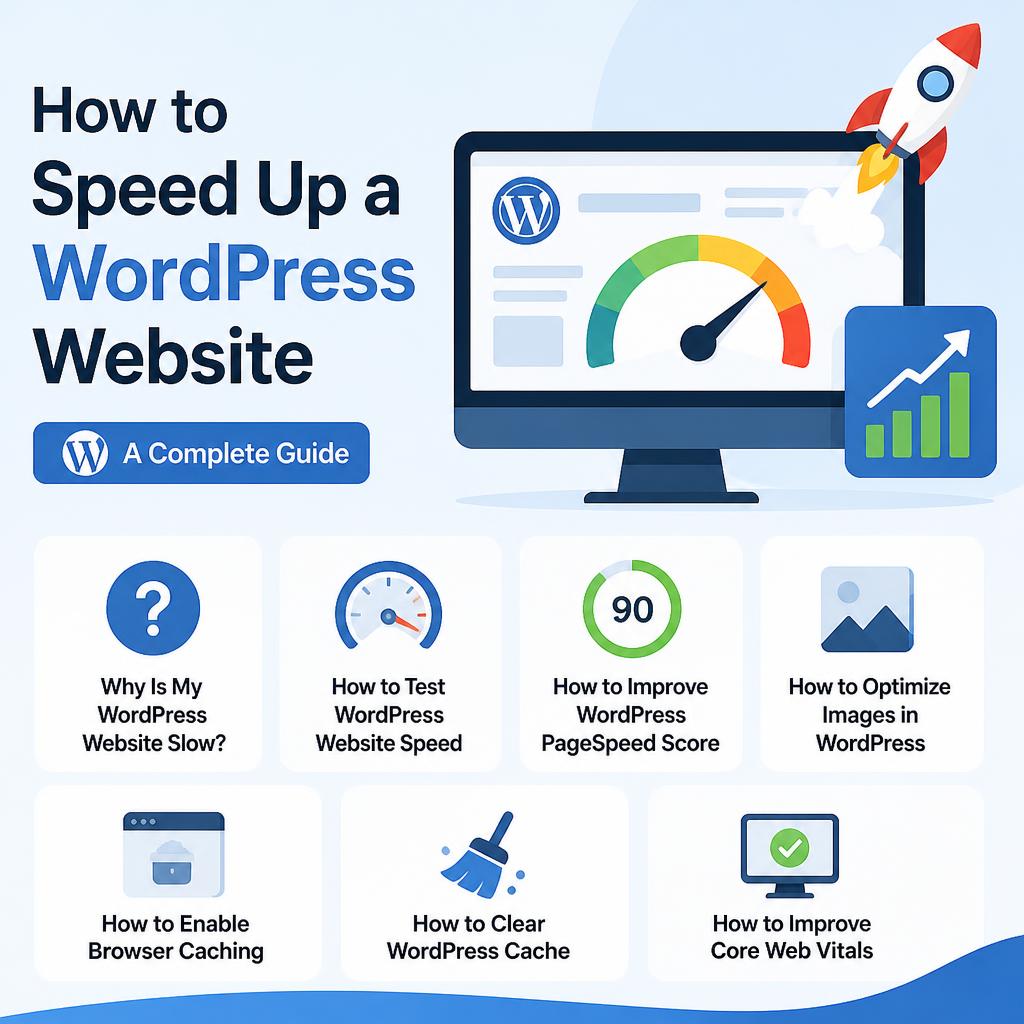
- How to Speed Up a WordPress Website
- Why Is My WordPress Website Slow?
- How to Test WordPress Website Speed
- How to Improve WordPress PageSpeed Score
- How to Optimize Images in WordPress
- How to Enable Browser Caching
- How to Clear WordPress Cache
- How to Improve Core Web Vitals
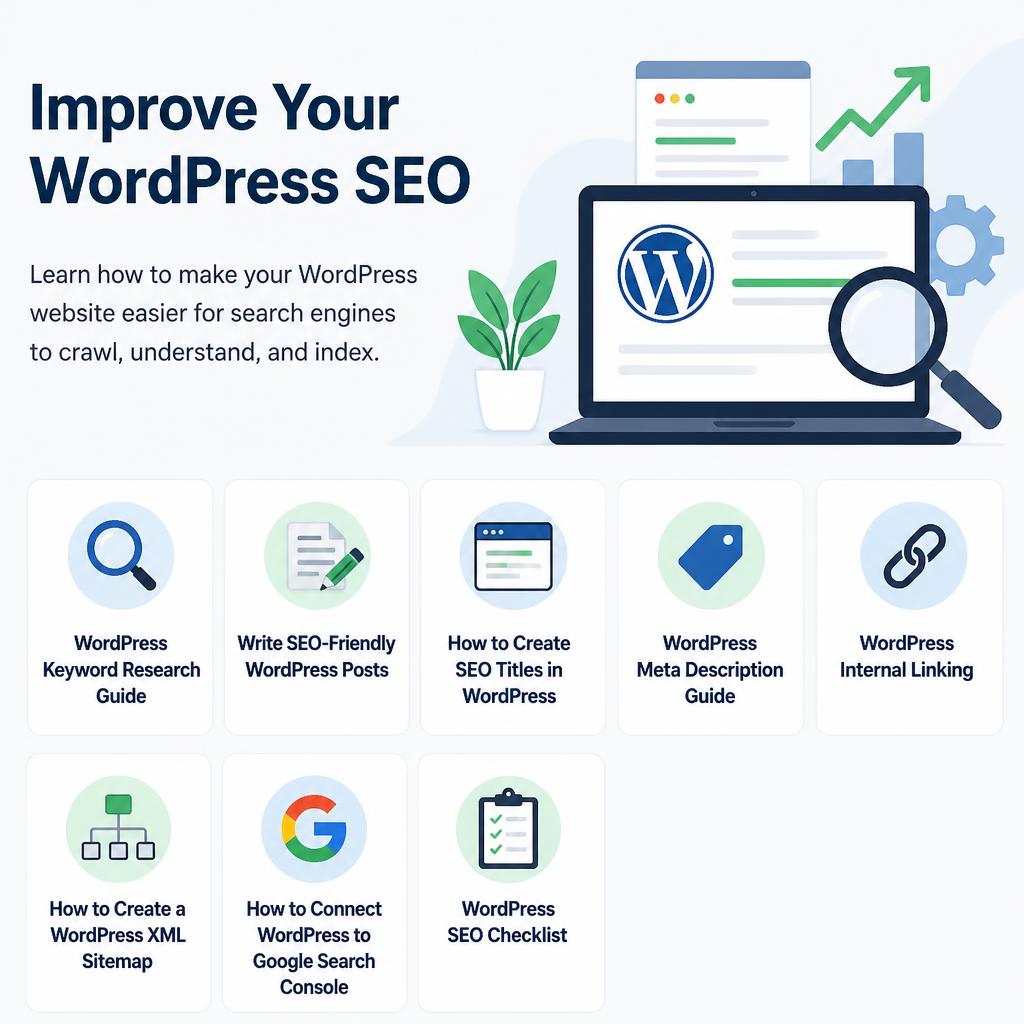
Improve Your WordPress SEO
Learn how to make your WordPress website easier for search engines to crawl, understand, and index.
- WordPress SEO Guide for Beginners
- WordPress Keyword Research Guide
- Write SEO-Friendly WordPress Posts
- How to Create SEO Titles in WordPress
- WordPress Meta Description Guide
- WordPress Internal Linking
- How to Create a WordPress XML Sitemap
- How to Connect WordPress to Google Search Console
- WordPress SEO Checklist
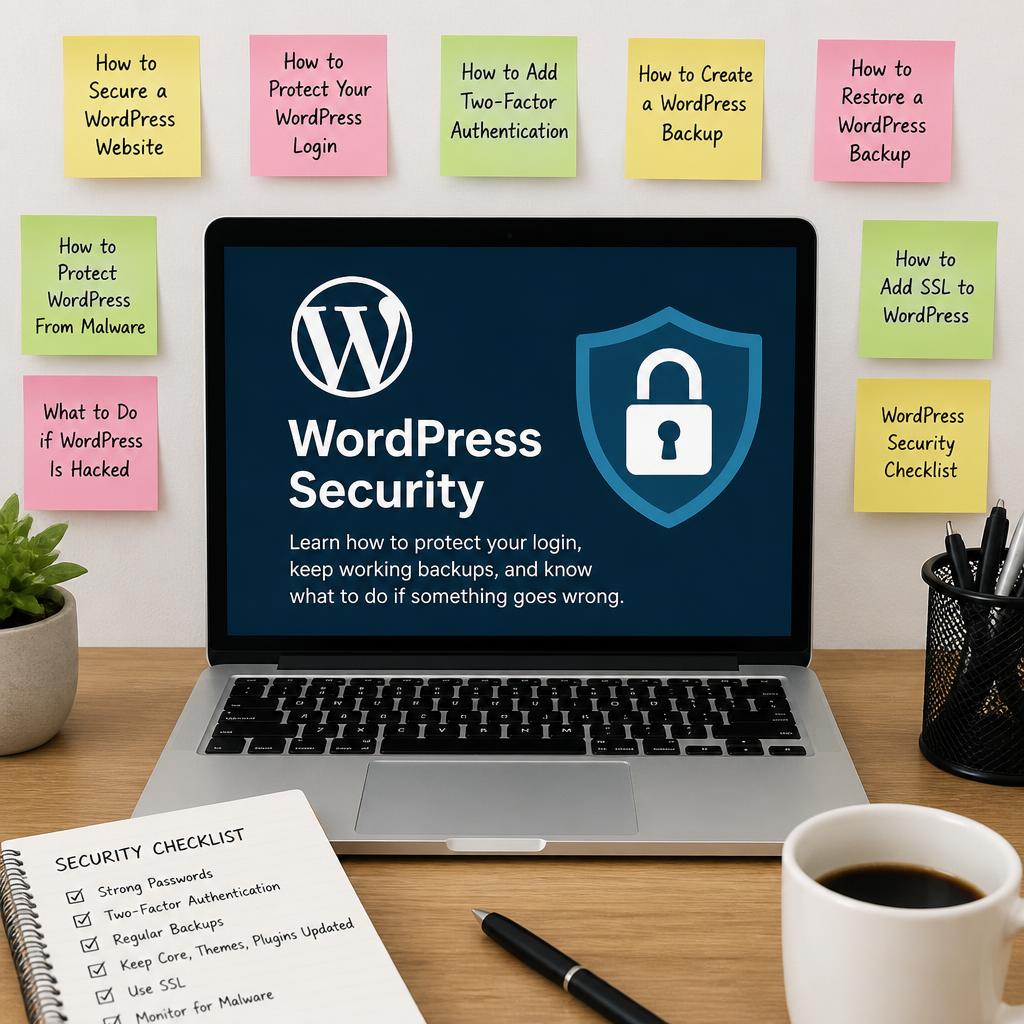
Keep Your WordPress Website Secure
Learn how to protect your login, keep working backups, and know what to do if something goes wrong.
- How to Secure a WordPress Website
- How to Protect Your WordPress Login
- How to Add Two-Factor Authentication
- How to Create a WordPress Backup
- How to Restore a WordPress Backup
- How to Protect WordPress From Malware
- What to Do if WordPress Is Hacked
- How to Add SSL to WordPress
- WordPress Security Checklist
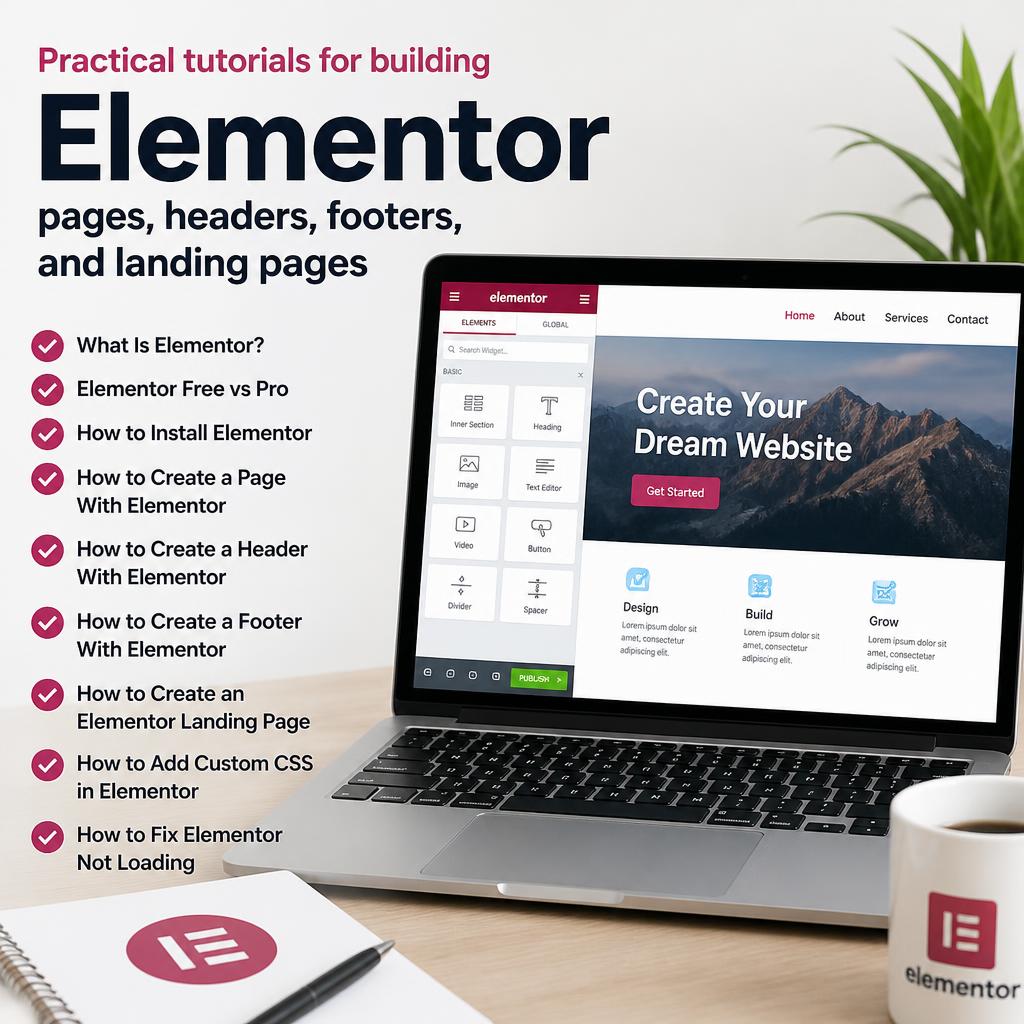
Learn Elementor Step by Step
Practical tutorials for building pages, headers, footers, and landing pages with Elementor.
- What Is Elementor?
- Elementor Free vs Pro
- How to Install Elementor
- How to Create a Page With Elementor
- How to Create a Header With Elementor
- How to Create a Footer With Elementor
- How to Create an Elementor Landing Page
- How to Add Custom CSS in Elementor
- How to Fix Elementor Not Loading
Build Your WordPress Store With WooCommerce
Set up products, payments, shipping, and checkout for an online store on WordPress.
- What Is WooCommerce?
- How to Install WooCommerce
- How to Create an Online Store With WordPress
- How to Add Products
- WooCommerce Product Categories
- WooCommerce Product Images
- WooCommerce Settings
- WooCommerce Payments
- WooCommerce Shipping
- WooCommerce Checkout

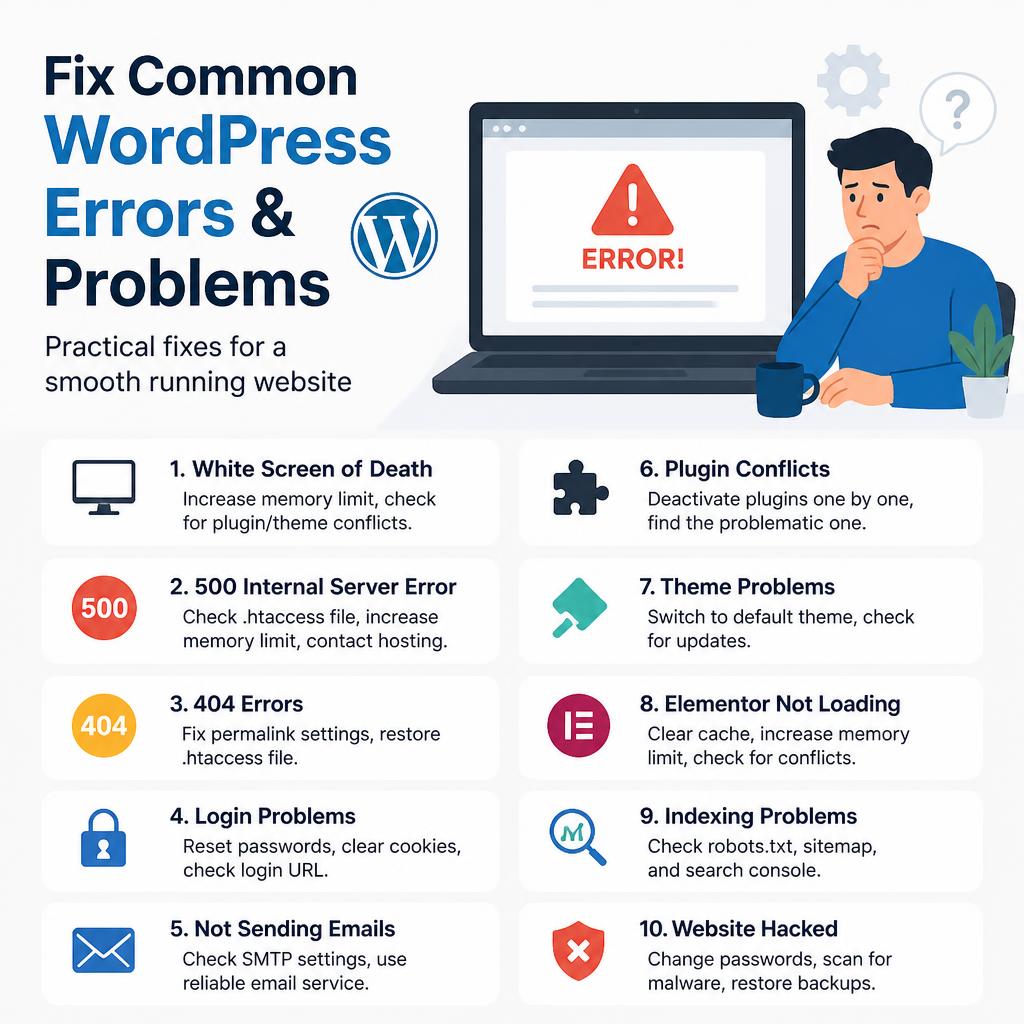
Having a WordPress Problem?
Find practical fixes for common WordPress errors and problems.
- WordPress White Screen of Death
- WordPress 500 Internal Server Error
- WordPress 404 Errors
- WordPress Login Problems
- WordPress Not Sending Emails
- WordPress Plugin Conflicts
- WordPress Theme Problems
- Elementor Not Loading
- WordPress Indexing Problems
- WordPress Website Hacked
Practical WordPress Guides You Can Follow
- WPResstips publishes tutorials you can follow from start to finish. Each guide explains what to do, why it matters, and what to check if something does not work.
- Step-by-step instructions
- Practical examples
- WordPress troubleshooting
- SEO and performance
- Security and maintenance